

Check out frequently asked questions:
302. Is my data secure?


Yes. IP Autopilot is built to handle commercially sensitive, legally significant IP data. The platform applies role-based access control at every level — meaning data is only accessible to users who are explicitly authorized to see it.
Document storage, portfolio data, and client information are all held securely. If you have specific security, data residency, or compliance requirements, contact us before subscribing so we can confirm the platform meets your standards.
303. Is IP Autopilot connected to official trademark registers?
Yes. The platform connects to national IP office databases and WIPO (the Madrid System for international registrations). This means official trademark status — filed, published, registered, renewed, lapsed — is sourced directly from official registers rather than manually maintained.
This connection is what makes IP Autopilot's docketing engine rules-based rather than manual: statutory deadlines and status changes are applied automatically based on live or regularly-synced official data.
304. Can the platform handle trademarks across all countries?
Yes. IP Autopilot supports trademark management across all jurisdictions globally. The platform's jurisdiction master data covers IP offices, filing languages, Nice Classification availability, official fees, POA requirements, and statutory deadlines per country.
For countries where you use local agents, the platform includes tools for managing those agent relationships, assigning them scoped access, and tracking their work within your orders and workflows.
305. Does IP Autopilot replace my existing tools?
For most IP practices and corporate IP teams, IP Autopilot is designed to be the primary platform for portfolio management, docketing, and (on Finance Edition) financial management. It is not a narrow point solution — it covers the operational and financial lifecycle of a trademark portfolio end to end.
Whether it fully replaces your existing tools depends on what you currently use. The 30-day trial is the best way to assess fit against your specific workflow. We are also happy to discuss integrations if there are specific systems you need to connect.
306. Where do I enter my fees — once or in multiple places?
Once. Your fee structure — official government fees and your professional fees — is set up once in the Finance Module and flows through to proposals, orders, and invoices automatically. There is no re-entry of the same numbers across different parts of the platform.
Different team members see different views of that data based on their role — a finance user sees the full picture including margins, while an operational user sees what they need to manage their work — but the underlying data is entered and maintained in one place.
307. How does the gross margin bordereaux work?
The gross margin bordereaux is a structured profitability report that shows you, per job, per client, per jurisdiction, and per service type: what you billed, what it cost you (agent fees, official fees, disbursements), and what your margin is.
It is generated from the data already in the platform — there is no separate report to build. As you complete orders, record supplier bills, and issue invoices, the bordereaux updates automatically. It is available to finance and management roles only.
308. How does IP Autopilot handle physical documents — originals and hard copies?
IP Autopilot includes a physical document management layer for exactly this reason: IP work often involves original wet-signature documents, officially stamped certificates, and hard-copy POAs that need to be tracked separately from their digital versions.
The platform tracks courier shipments (inbound and outbound), records receipt confirmations, logs dispatch details including courier and expected delivery, and maintains a chain of custody for physical documents across parties and jurisdictions. Physical document events are tied to the relevant orders so you always know where originals are in the process.
309. Can I use my own document templates?
Yes. IP Autopilot lets you upload and manage your own communication templates — status update emails, filing confirmations, instruction requests, and portal notifications — which can be customized per client. Official document templates (application forms, official examination responses) are sourced from the platform's jurisdiction master data and are kept current automatically.
Read More310. What exactly do my clients see in the branded portal?
Your clients log into a portal that looks like your platform — your logo, your colors, your domain. Inside, they see their own trademark portfolio: filing status, renewal dates, documents relevant to their marks, and any updates or reports you have shared with them.
They do not see other clients' data. They do not see the IP Autopilot brand. They do not see your internal team's workflows or cost structure. The portal is a clean, client-facing view of exactly what you choose to share.
311. Do I need a technical team to set up the white-label and custom domain?
No. The white-label configuration — logo, colors, organization identity — is set up through your workspace settings without any technical work. Custom domain setup requires a DNS change on your domain, which is a standard process your IT contact or domain registrar can handle in a few minutes. We provide the instructions and support you through it.
Read More312. How do I talk to someone before deciding?
Book a demo and we will walk through your specific setup, answer your questions, and recommend the right plan. We work with IP law firms, trademark agencies, and corporate IP teams of different sizes — we understand the operational realities and can give you a straight answer on whether the platform fits your needs.
Read More313. What support is available after I subscribe?
All plans include access to our support team for onboarding, setup questions, and ongoing platform issues. The Finance Edition includes dedicated onboarding support for the financial configuration given the depth of setup involved.
Our documentation covers all platform modules in detail and is updated as the platform evolves. For specific technical or compliance questions, our team is reachable directly.











Step 1: The Art of Understanding Your Audience, Value Proposition, and Competition
Read More


















Securing Your Trademark in the Metaverse: Essential Goods and Services to Register
Read More

Oracle v. Google: The Landmark Case Shaping Intellectual Property in the Tech Industry
Read More











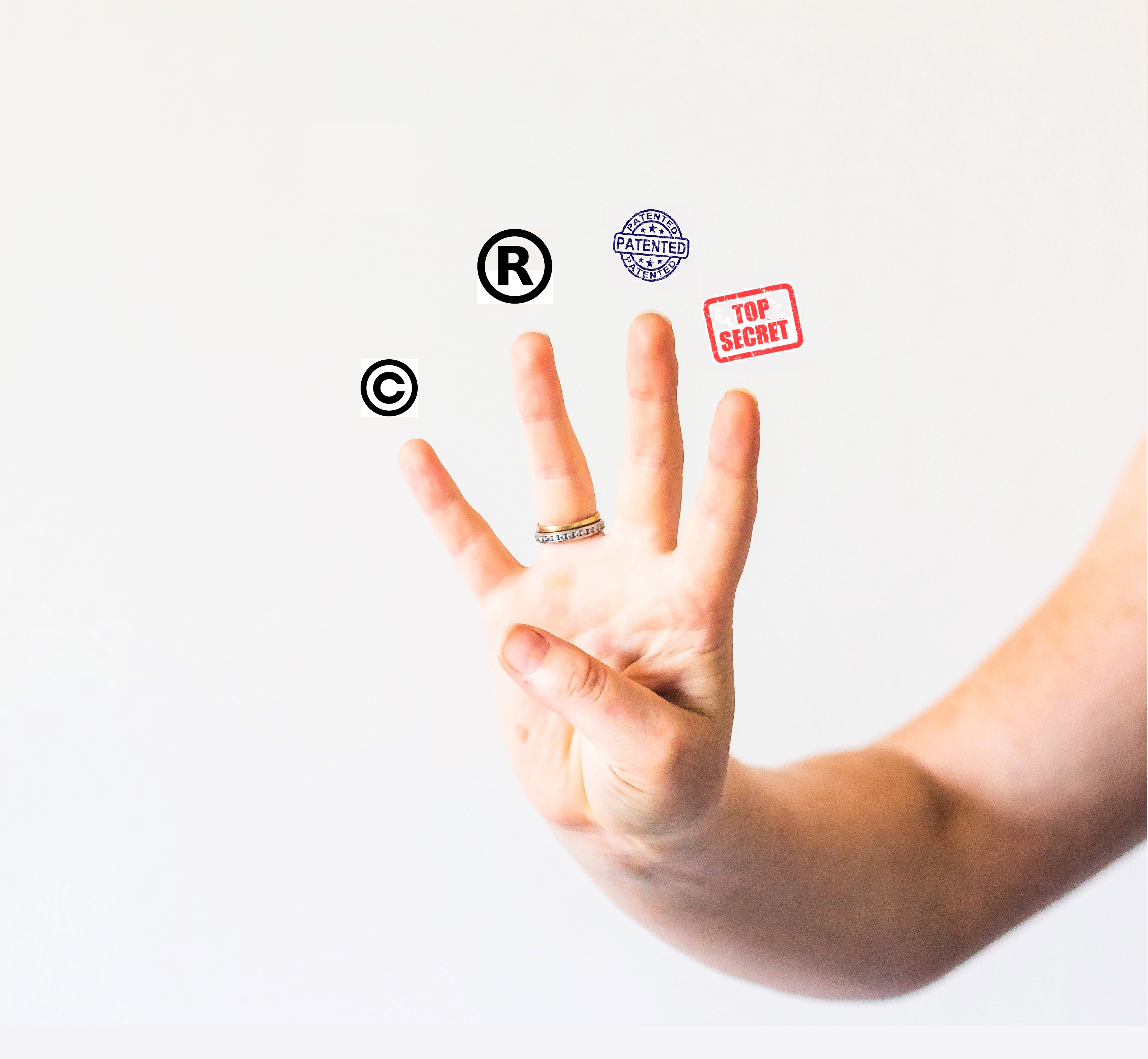
The Essential Guide to Intellectual Property: Patents, Trademarks, Copyrights, and Trade Secrets
Read More



Shielding Your Brand: The Definitive Handbook on Trademark Protection and Intellectual Property Safeguarding
Read More





How Did Juhayna Successfully Build Brand Awareness Among Restaurant Owners in Egypt?
Read More


Integreight’s Intellectual Property Strategy: Securing Market Dominance in Egypt's Tech Industry
Read More

How 'Monopoly: Lifesized' Shows Trademark Licensing Success for Legacy Brands at BLE
Read More

Etisalat: How Intellectual Property Drives Innovation and Leadership in UAE Telecommunications
Read More
How Dunkin' Leveraged Intellectual Property to Strengthen Its Franchise Strategy in the USA
Read More
How Casper's Trademark Registration Fueled Its Rise in the Competitive Mattress Market
Read More



Curious to learn more?
Let's chat! Our team of experts are here to answer any questions you have
Email us License our tech Set up a meeting